
Connector manufacturer
Connector manufacturer
How to Choose the Right Automotive Data Link Connector (DLC) Adapter
In the ever-evolving landscape of automotive repair, diagnostics, and performance tuning, the humble OBD-II (On-Board Diagnostics) port—formally known as the Automotive Data Link Connector (DLC)—is the gateway to a vehicle’s electronic soul. Whether you’re a professional technician troubleshooting a persistent check engine light, an enthusiast logging data for a tune, or a DIYer resetting an airbag light, the tool you use to bridge your scanner, code reader, or laptop to this port is critical. This bridge is the DLC Adapter.
Choosing the right one is far from trivial. The wrong adapter can lead to failed connections, corrupted data, misdiagnoses, or even potential damage to your vehicle’s sensitive ECUs. This technical guide will dissect the key factors in selecting the perfect DLC adapter for your specific needs, moving beyond simple plug-and-play assumptions to a nuanced understanding of protocols, hardware, and software compatibility.
Understanding the Foundation: The OBD-II/DLC Port
Mandated in the US for all light-duty vehicles from 1996 onward (and similar timelines globally), the OBD-II standard ensured a universal 16-pin female connector located within the driver’s reach. However, “universal connector” does not mean “universal communication.”
The DLC provides power (pins 16: +12V Battery, 4: Chassis Ground, 5: Signal Ground) and a pathway for diagnostic data. The critical variable is the communication protocol used on the various data pins (e.g., 6, 7, 14, 15). The five primary OBD-II protocols are:
- SAE J1850 PWM & VPW (Primarily older US vehicles)
- ISO 9141-2 & ISO 14230-4 (KWP2000) (Primarily older European and Asian vehicles)
- ISO 15765-4 (CAN Bus) (Mandatory for all US vehicles from 2008 onward, now the global standard)
A basic, passive adapter cable merely extends these pins. A sophisticated adapter contains a microcontroller that translates these raw vehicle signals into a format your computing device can understand, typically via USB, Bluetooth, or Wi-Fi.
Taxonomy of Automotive Data Link Connector Adapters: From Basic Cables to Intelligent Interfaces
Adapters fall into three broad categories, each with its own use case and complexity.
- Passive Extension Cables & Breakout Boxes:
- What they are: Simple physical extensions of the 16-pin harness. A breakout box adds test points for each pin, allowing for voltage and signal measurement with a multimeter or oscilloscope.
- Best for: Professional technicians performing deep electrical diagnostics, verifying power/ground at the DLC, or accessing hard-to-reach ports. They do not facilitate communication with scan tools by themselves.
- Key Selection Factor: Build quality, wire gauge, and the durability of connectors.
- Direct Protocol Adapters (Serial Interfaces):
- What they are: The “classic” OBD-II to USB or serial cable. They contain a basic transceiver chip (like the ELM327 or STN11xx family) that handles the low-level protocol chatter and presents a serial data stream. The famous “ELM327” is not an adapter itself, but the microcontroller chip inside many of them.
- How they work: They translate vehicle protocols into a standardized set of ASCII commands (the AT command set). Your software (like ScanTool, PC-based diagnostics) sends commands like 010C (request RPM), and the adapter returns the raw data string.
- Best for: PC/laptop-based diagnostics, data logging, and educational use where the user wants direct control. Highly dependent on the quality of the host software.
- Key Selection Factor: Chipset authenticity and driver support. Counterfeit ELM327 chips are rampant, especially in Bluetooth versions, and often fail with CAN Bus or modern protocols.
- Intelligent Vehicle Interfaces (IVIs):
- What they are: Advanced adapters with powerful onboard processors. They don’t just pass through data; they actively manage network traffic, handle manufacturer-specific diagnostic protocols (e.g., GM UART, Ford MSC, BMW ISTA/P), and often include features like programmable power outputs, high-speed logging, and dual-channel CAN FD support.
- Examples: Drew Technologies’ Mongoose series, Tactrix OpenPort, OEM-specific interfaces (VAS 5054A, Ford VCM).
- Best for: Professional diagnostics, ECU flashing/programming, advanced performance tuning, and reverse engineering. They are the tools of the trade for dealerships and high-end independents.
- Key Selection Factor: Software compatibility and feature set. These are often sold as a key to unlock specific, powerful software applications.
The Selection Framework: 5 Critical Questions
Navigate your choice by systematically answering these questions.
- What is Your Primary Use Case?
- Basic Code Reading/Clearing: A low-cost, reliable ELM327-based USB or a reputable brand’s Bluetooth adapter (like OBDLink LX) will suffice.
- Advanced Diagnostics & Data Logging: You need a stable, fast adapter with robust CAN Bus support. Look for devices based on the STN11xx or FTD1xx chipsets (e.g., OBDLink MX+, ScanTool.net adapters).
- ECU Programming/Flashing: This is non-negotiable. You require a high-speed, wired (USB or Ethernet), and power-regulated interface designed for this purpose. Wireless is unsuitable due to latency, instability, and crash risks. Think Tactrix, Mongoose, or OEM tools.
- Heavy-Duty/Commercial Vehicles (J1939/J1708): You need an adapter specifically designed for the heavy-duty 9-pin or 6-pin connectors and those protocols.
- What is Your Connectivity Method: Wired vs. Wireless?
- Wired (USB, Ethernet):
- Pros: Maximum stability, highest data throughput, no latency, no battery concerns, often provides power and protective circuitry for the vehicle bus.
- Cons: Tethers you to the vehicle, less convenient for mobile use.
- Verdict: Essential for programming. Preferred for all serious, stationary diagnostics.
- Wireless (Bluetooth, Wi-Fi):
- Pros: Convenience and mobility. Great for quick scans, monitoring gauges on a phone/tablet, or data logging from inside the cabin.
- Cons: Latency, potential for interference, battery drain, security considerations (theoretically hackable), and often limited protocol support on cheap models.
- Verdict: Ideal for casual use, smartphone apps, and mobile viewing of live data. Avoid for safety-critical tasks like programming.
- What Vehicles Do You Need to Support?
- Year, Make, Model: Post-2008 vehicles are predominantly CAN Bus. For pre-2008, especially European or Asian models, ensure the adapter supports ISO 9141-2 and KWP2000. For specific brands (e.g., BMW, Mercedes, VW), you may need an adapter that supports their proprietary sub-protocols on top of OBD-II, which pushes you towards the IVI category.
- Manufacturer-Specific Software: If you intend to use software like FORScan (Ford), INPA/ISTA (BMW), or VCDS (VW/Audi), you must check their official list of recommended or compatible adapters. Using an unsupported adapter will result in failure.
- What is Your Software Environment?
The adapter and software are a symbiotic pair. Decide on your software first.
- Generic OBD-II Apps/Software (Torque, OBD Fusion, DashCommand): Work with most standard adapters. Check the app’s compatibility list.
- Professional Diagnostics Software (AutoEnginuity, Delphi DS, Launch): Often require their own branded, licensed adapter or a specific list of approved third-party interfaces.
- OEM/Franchised Dealer Software: Almost always require a specific, often expensive, proprietary interface (e.g., Honda HDS, Toyota Techstream with a specific cable).
- What are the Critical Technical Specifications?
Look beyond the marketing. Read the technical datasheet.
- Supported Protocols: Must list all five OBD-II protocols and, ideally, J1939 for heavy-duty.
- Data Rate/Throughput: For CAN Bus, ensure it supports 500 kBaud (standard) and 1 MBaud (for MS-CAN or newer vehicles). CAN FD support is a future-proofing bonus.
- Power Protection: Does it have over-voltage and reverse-polarity protection? A cheap adapter without this can fry your vehicle’s ECU or itself.
- Driver & OS Compatibility: Is it truly “Plug and Play” for your OS (Windows, macOS, Linux, Android, iOS)? For USB, does it use a stable VCP (Virtual COM Port) driver like FTDI or a problematic Prolific clone?
Navigating Compatibility & Pitfalls
- The “Universal” Myth: No single adapter is perfect for every single task on every single vehicle. The goal is to find the right tool for your tasks.
- Smartphone & Tablet Integration: For wireless, ensure the adapter’s power consumption is low for long logging sessions. Bluetooth Low Energy (BLE) adapters are excellent for this.
- Clone/Counterfeit Market: Be extremely wary of suspiciously cheap adapters, especially on online marketplaces. They frequently fail at critical moments, lack protection circuitry, and may not fully implement protocol standards.
Recommended Tools Matrix
| Use Case Tier | Recommended Adapter Type | Example Models | Connectivity | Key Reason |
| Basic DIY | Entry-level ELM327 | BAFX Products (Bluetooth), generic USB | Bluetooth/USB | Cost-effective, works with free apps |
| Enthusiast/Advanced DIY | Quality Multi-Protocol | OBDLink LX (Bluetooth), OBDLink SX (USB), ScanTool.net 427 | Bluetooth/USB | Reliability, full protocol support, good software ecosystem |
| Professional Diagnostics | Intelligent Vehicle Interface | Drew Tech Mongoose Pro, Autel MaxiAP200 (all-in-one) | USB/Ethernet | OEM protocol access, high-speed, programming-safe |
| Performance Tuning | High-Speed Programmer | Tactrix OpenPort 2.0, ECUFlash cables | USB | Designed for reliable, high-speed ECU reads/writes |
| Heavy-Duty | J1939/J1709 Adapter | NEXIQ USB Link 2, Dearborn G3 | USB | Built for 9-pin connector and truck protocols |
Conclusion
Selecting the right automotive data link connector adapter is an exercise in matching technical specifications to operational requirements. It requires a clear understanding of your target vehicles, your intended software, and the critical nature of the tasks you’ll perform. Invest in an adapter that is purpose-built for your most demanding use case.
For the occasional code reader, a vetted, mid-range Bluetooth adapter offers fantastic convenience. For the serious troubleshooter or tuner, investing in a robust, wired, professional-grade interface is not an expense but a necessity—it is the foundation upon which accurate diagnostics and safe vehicle modifications are built. By asking the right questions and prioritizing stability and compatibility over mere convenience, you ensure that your gateway to the vehicle’s data remains open, reliable, and secure.
For more about how to choose the right automotive data link connector (DLC) adapter, you can pay a visit to Gvtong at https://www.gvtong.net/ for more info.
-
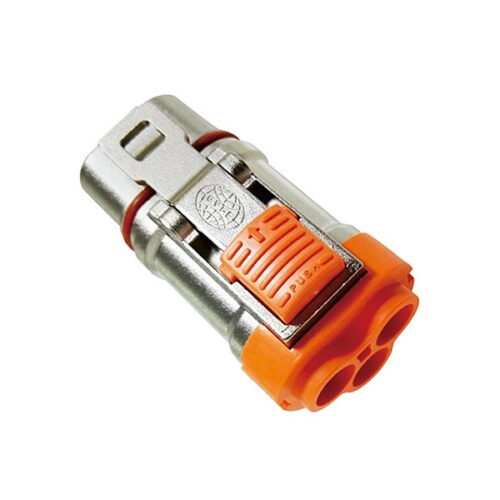
Metal connector-3.6mm-3 core
-
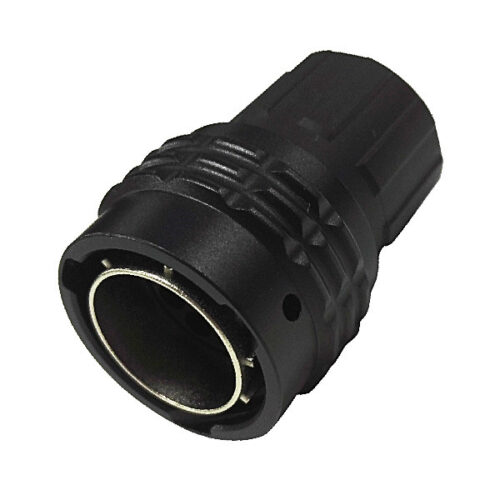
GR Series-8-core 12# circular signal connector
-
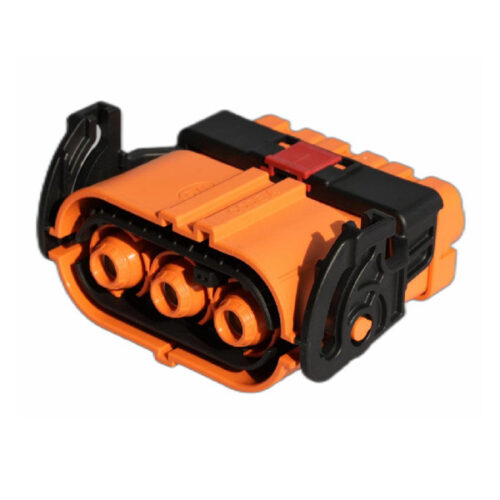
GH800 Series-3-core plastic high voltage connector
-
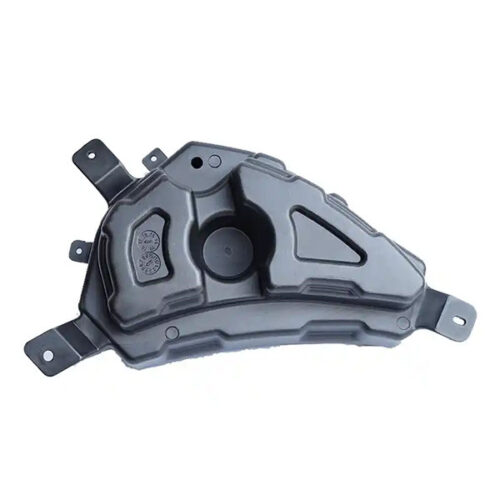
EV’s Plastic Injection Parts
-
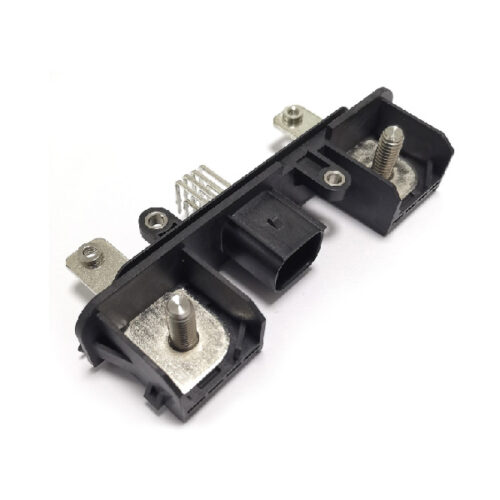
GD Series – Automotive Combined Power Connector – 2+8 Pin Hybrid Power Connector 150A 500V DC IP67 Waterproof
-
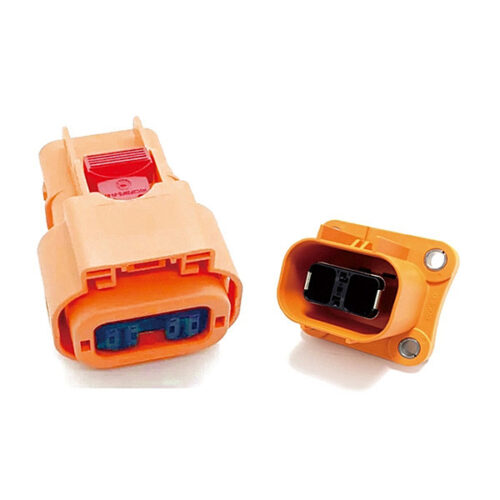
High voltage connector (2 cores)
-
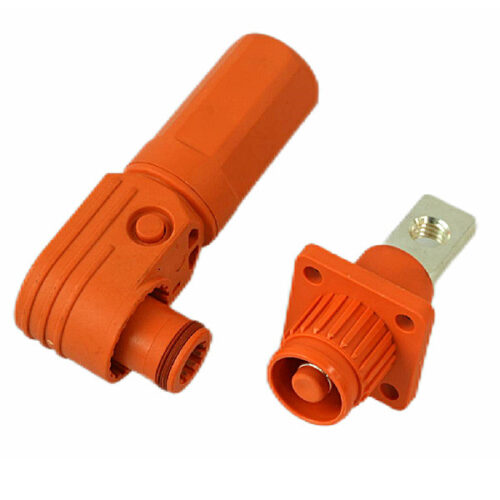
GB Series-Energy Storage Connector-8.0mm
-
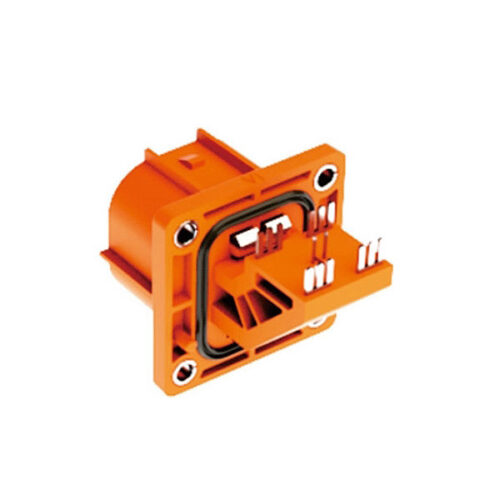
High voltage connector (4 cores)